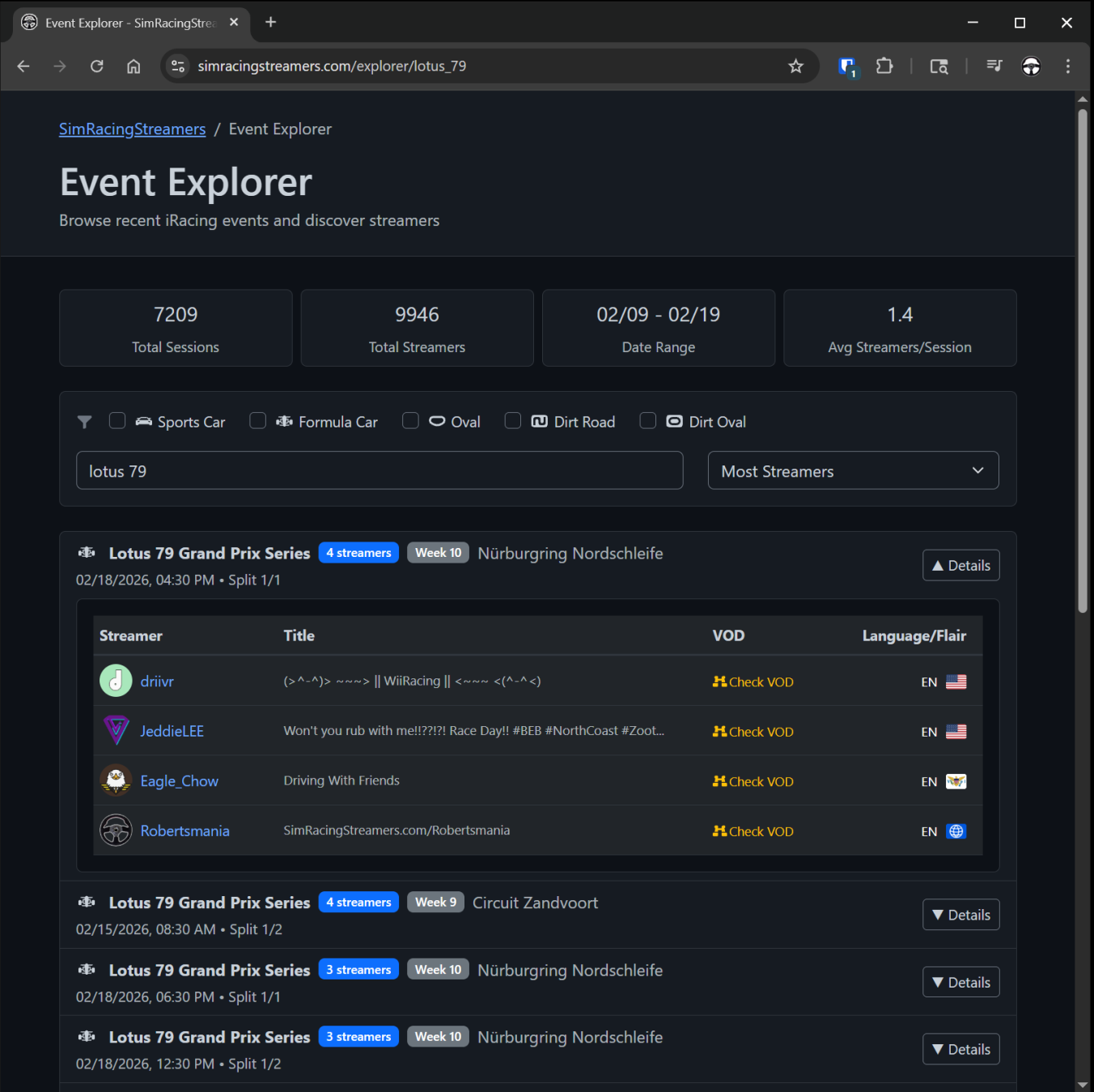
URL Madness!The whole site now has direct URL access to content, dynamic URL updates in the browser address bar and buttons to copy the links so its easier to share with communities. Now you can access content directly from the URL with the Event Explorer! Things like this should work: https://www.simracingstreamers.com/explorer/Lotus_79 It basically takes whatever you put in as the slug and uses it for the search term in the UI. So no server interaction/vulnerability for bots to chew on. If you put in nonsense, it just shows the client side results for nonsense... But if you use a valid search term for a streamer, series, track, etc... then it will show the results for events that match. |
 |
|
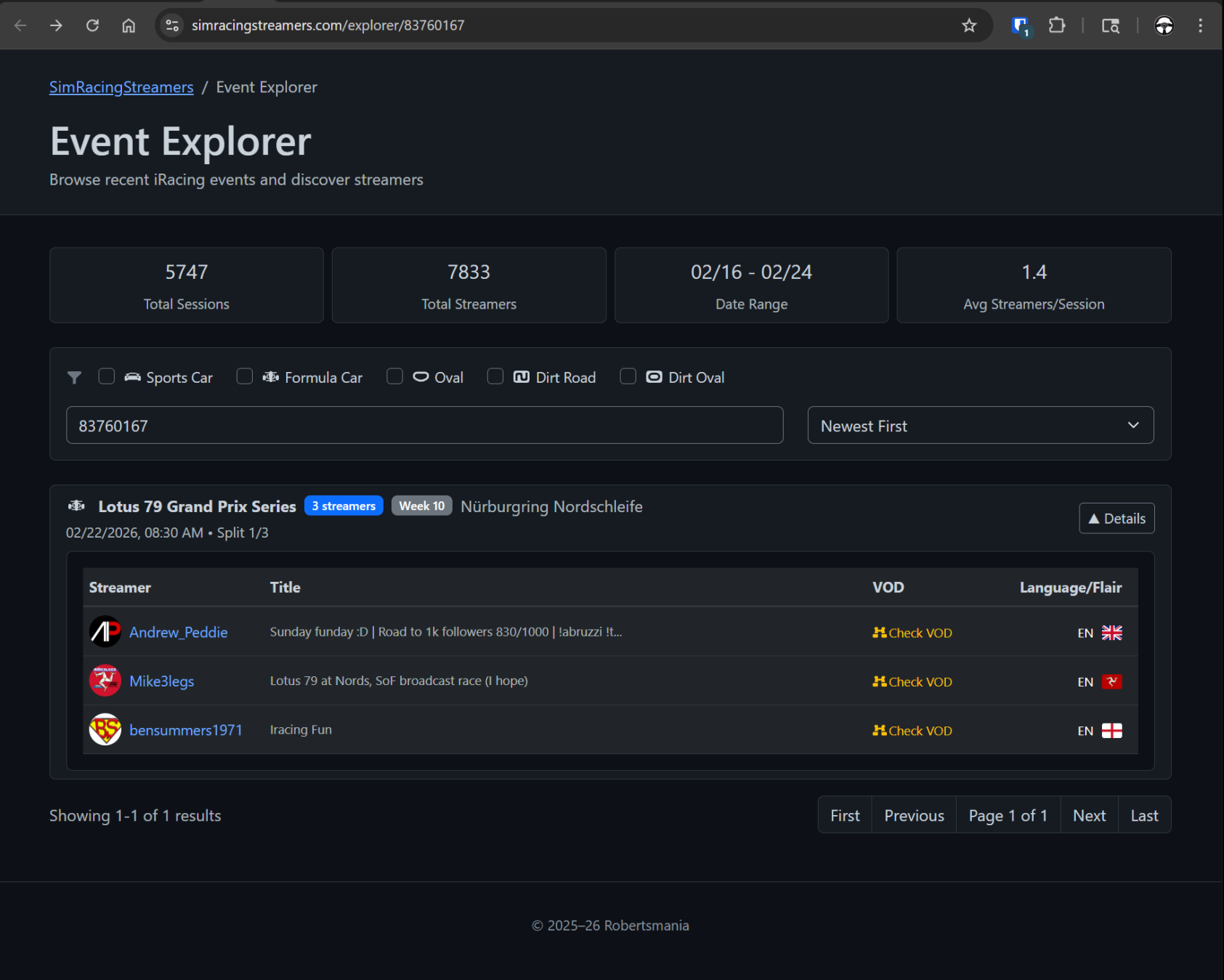
Also works now with a subsession id value. So if you wanted to reference a specific race event you could! Right now the public Event Explorer only has access to the events in the last week, so those links will not always work but for short term use it seems neat. When following a link to the Event Explorer that has only one result, that event is auto-expanded so it shows all the streams rather than requiring the user to click on the Details button. |
 |
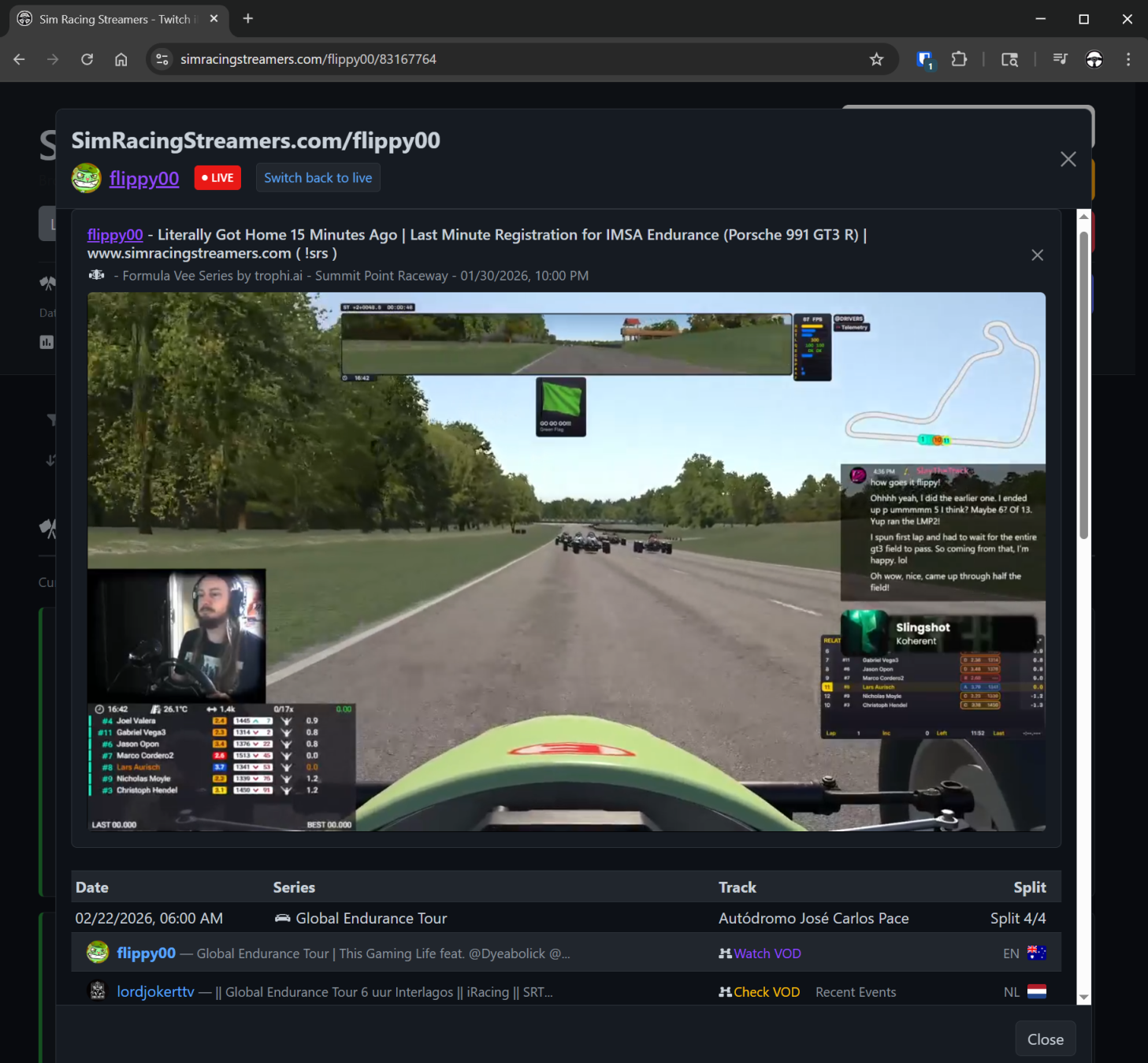
Dynamic URL shown in browser address barNow when you navigate around the site and watch Live Streams or VODs the URL shown in the address bar updates to show how to get back to that page. So in this example, the URL for this race event for this broadcaster is: https://www.simracingstreamers.com/flippy00/83167764 Previously, it would be kind of tedious to build that URL particularly because we don't really make the subsession id obvious. Now, just browsing around if you find content you want to share you can copy/paste the URL in the browser address bar and other people can get right to it! Streamer and Subsession direct URLs - that don't expire!Similar to the direct Event Explorer links, you can now specify both a streamer and a subsession on the URL to load directly to the VOD from that event. https://www.simracingstreamers.com/robertsmania/83731999 But a key feature is as long as we have data for that event, the link will work even if its months old. |
 |
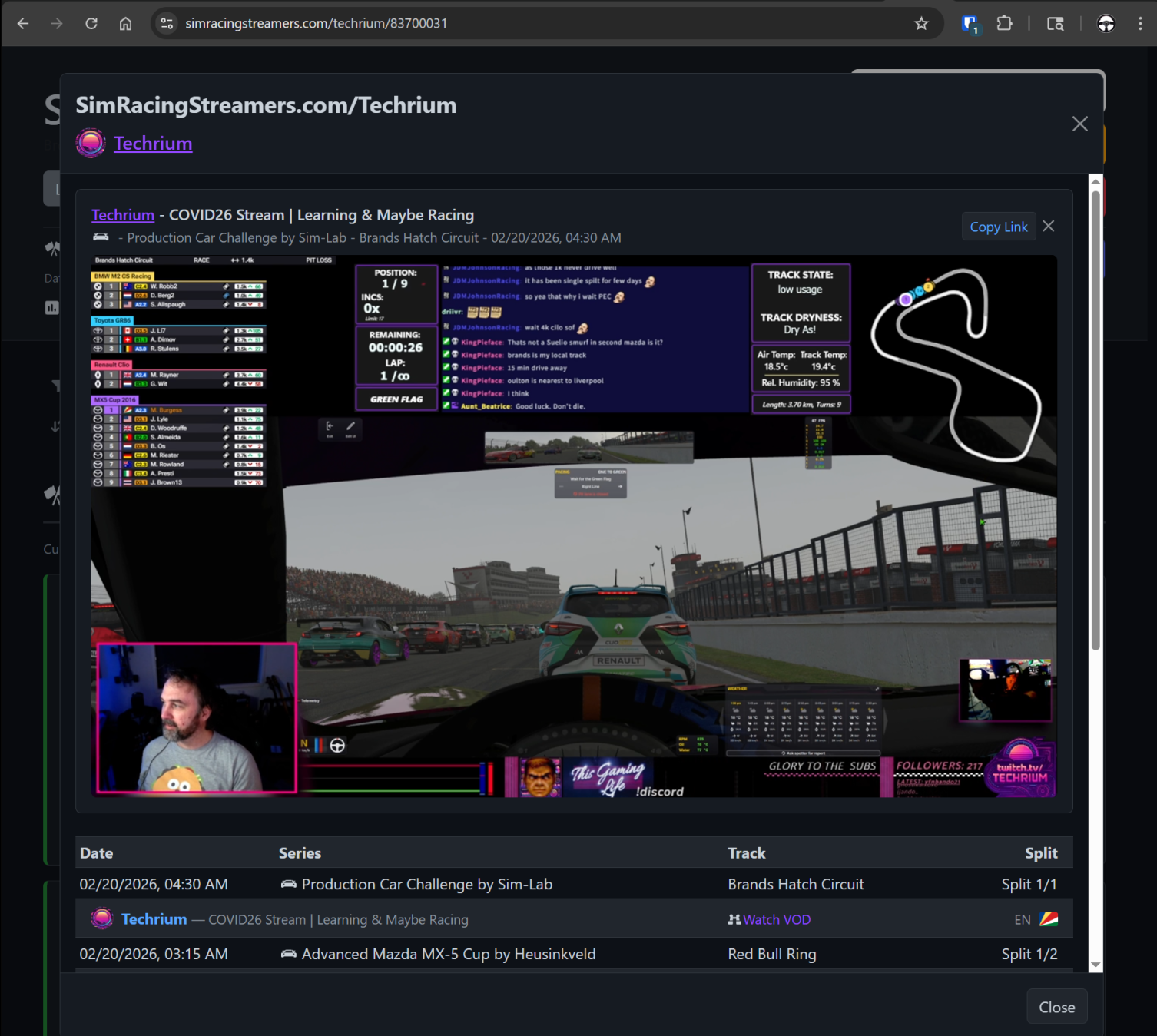
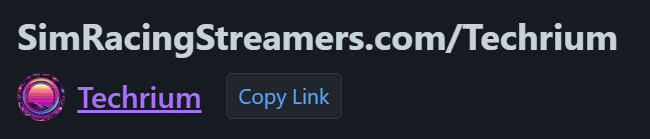
Copy Link button...Its been reported that some platforms/browsers do allow us to manipulate the URL while using the site, but they do not show the changes dynamically unless the user clicks in the address bar... So the direct URL features may not be surfaced or clear to the user. Now we have a (Copy Link) button above the embed video player. Its up there in the upper right when a video is playing, and next to the streamers name when its just the Recent Events page (no video playing). |
 |
|
Clicking the button copies the URL for the current page to the clipboard and momentarily says (Copied!) |
 |